





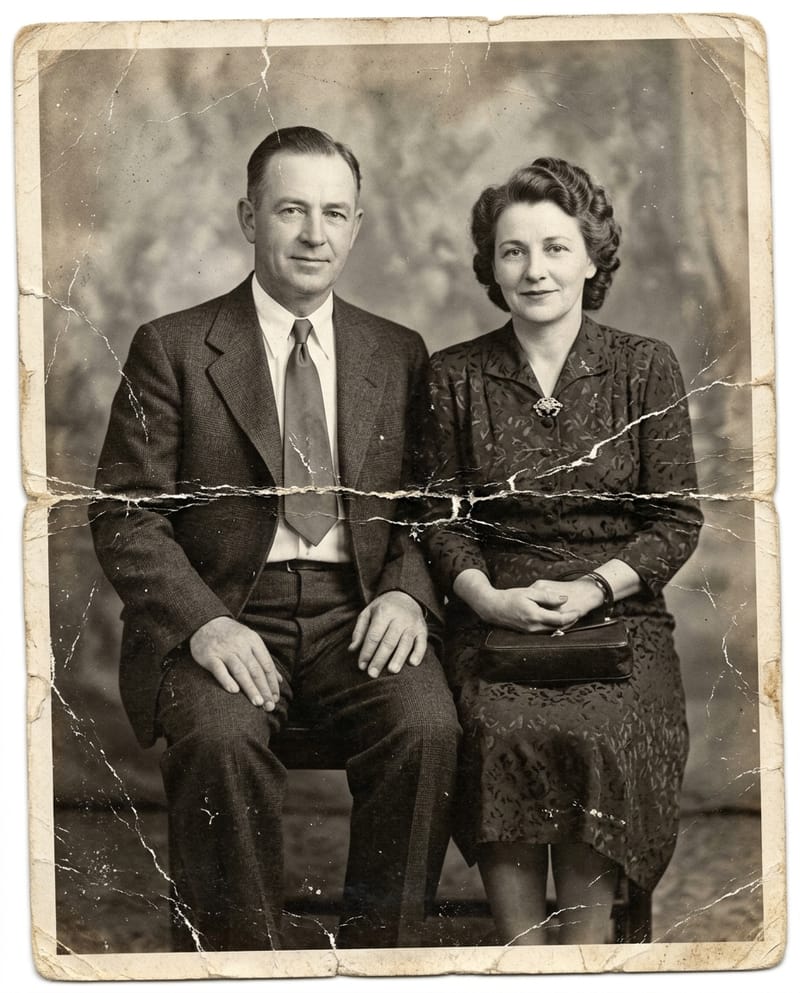

Bring old photos back to life, then turn them into a video with music
Fix scratches, tears and fading, add colour to black and white photos, and make a short video of your family memories to share. No skills needed: upload a photo and we do the rest.
Or make AI images and videosSee pricing
3 free credits to startPay once, credits never expire

New
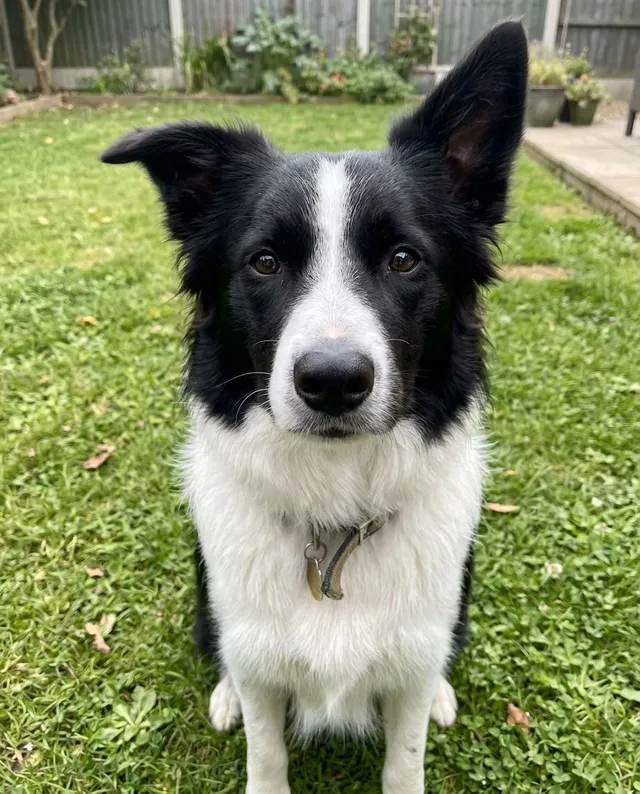
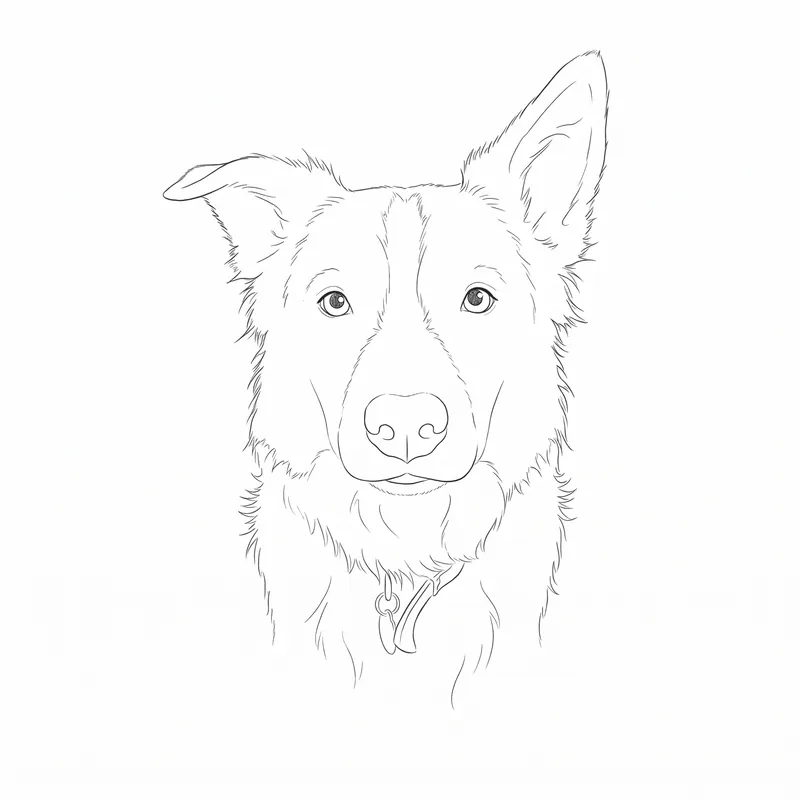
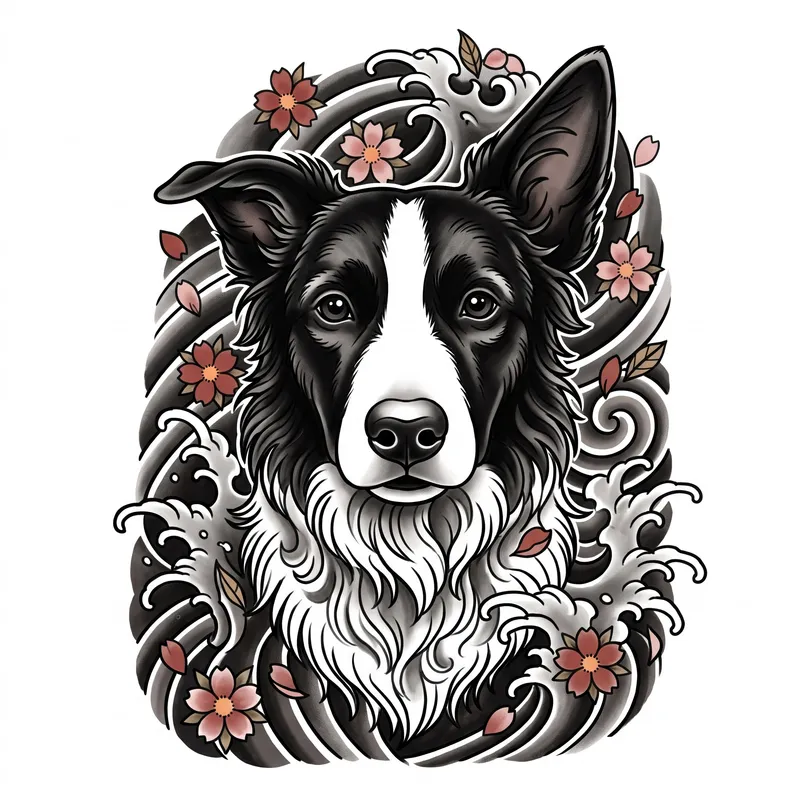
Turn your pet into a tattoo
Upload a photo of your dog or cat and get tattoo designs in fine line, traditional, Japanese, anime and more, with their name or a memorial. See every design before you pay.
From an old photo to a video to share
Three steps, no editing skills needed
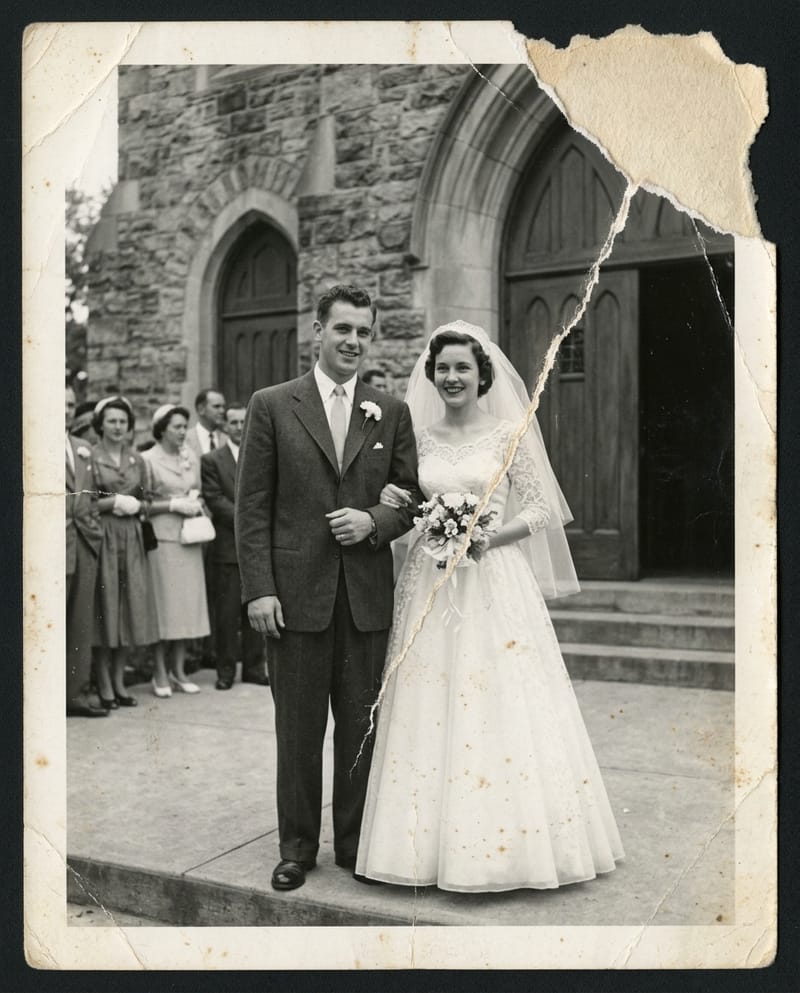
1. Upload an old photo
Torn, scratched, faded or black and white. A phone photo of the print is fine.
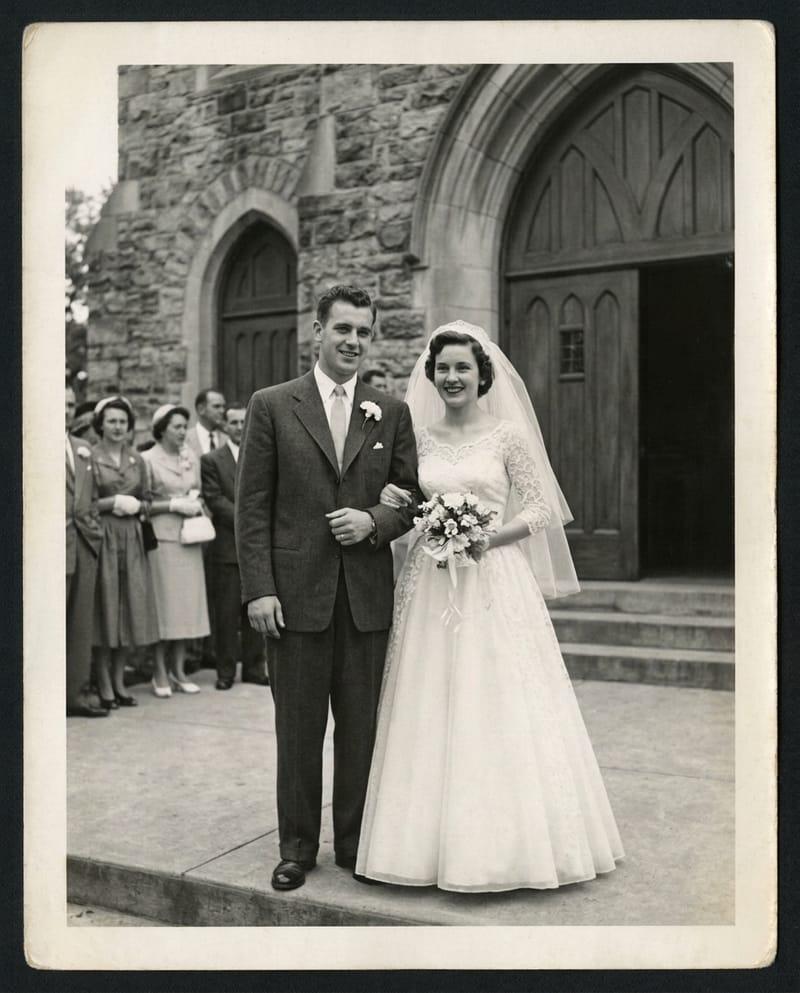
2. We restore it
Scratches, tears and fading are repaired, faces sharpened, colour added if you like. Your first one is free.

Grandma & Grandpa, 1952
with music
3. Make it a reel
Add more photos and a line about them. You get a short video with titles, captions and music to share with family.
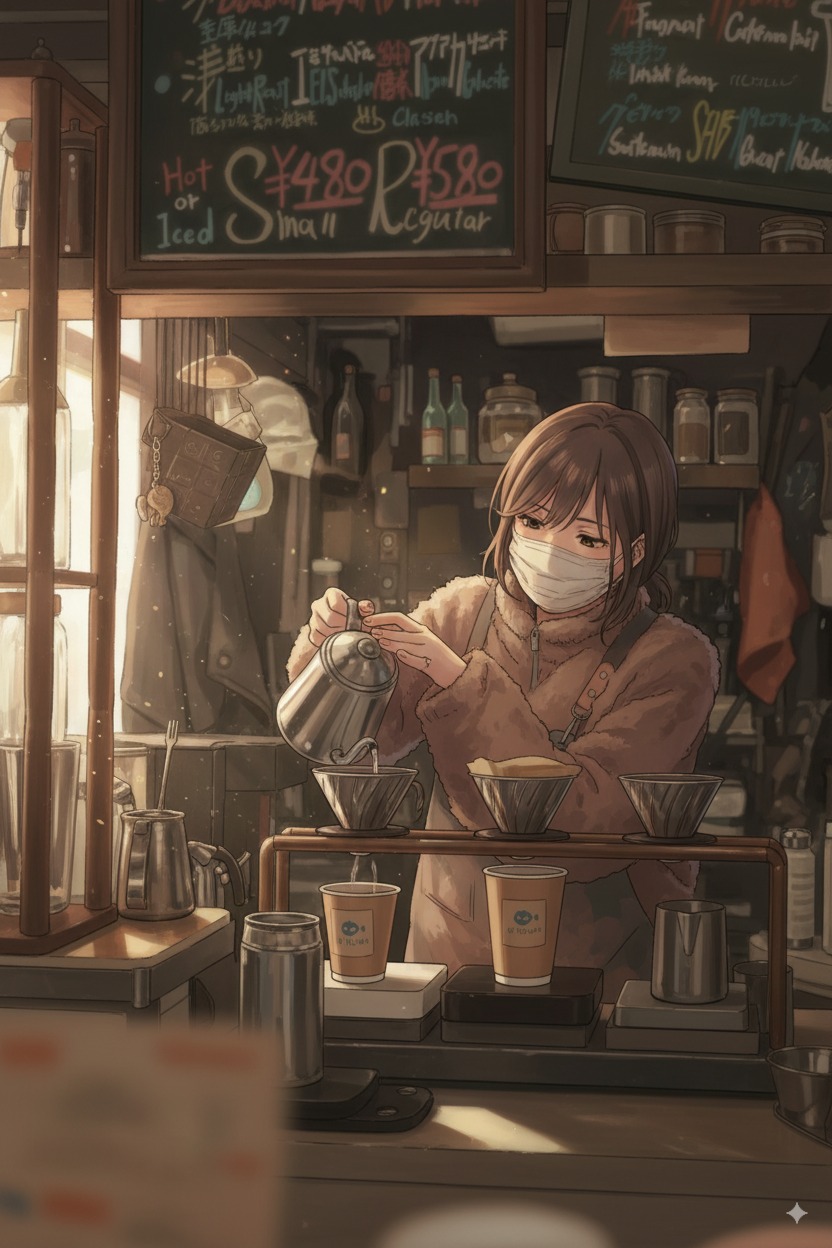
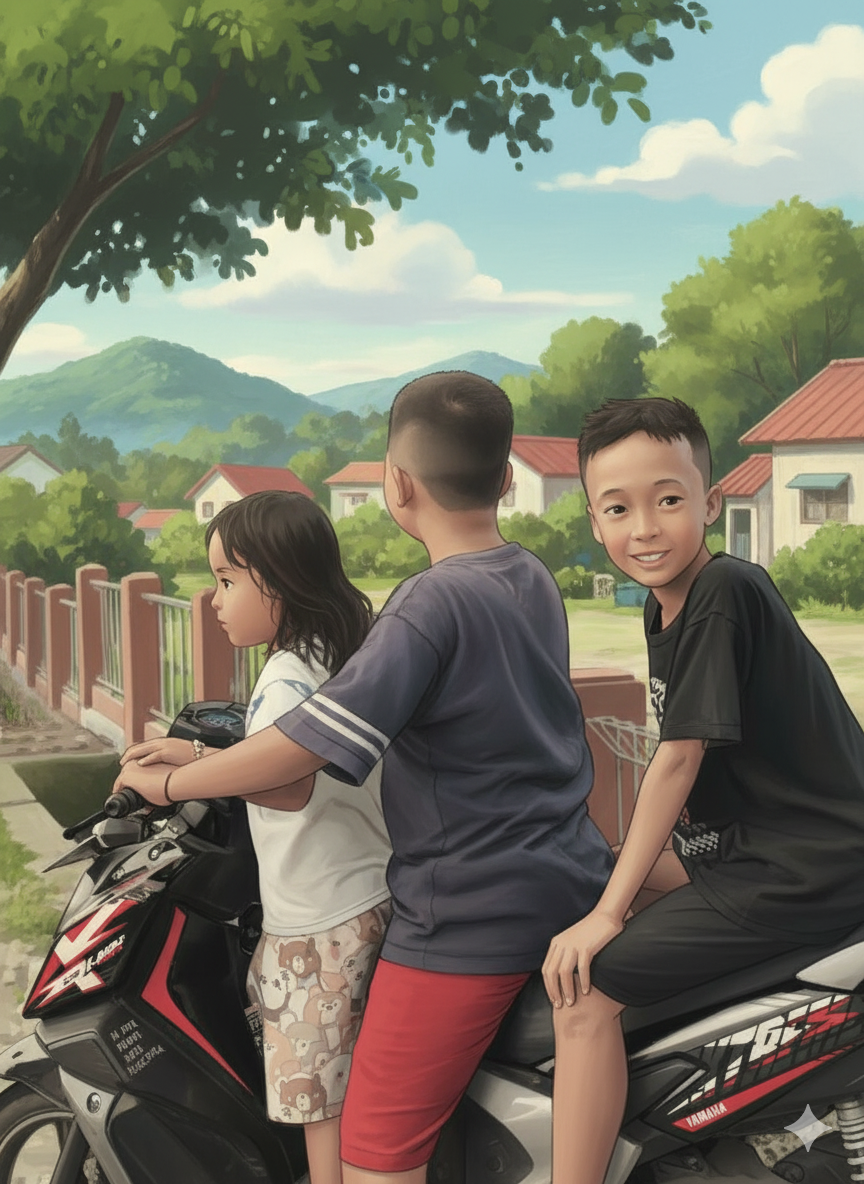
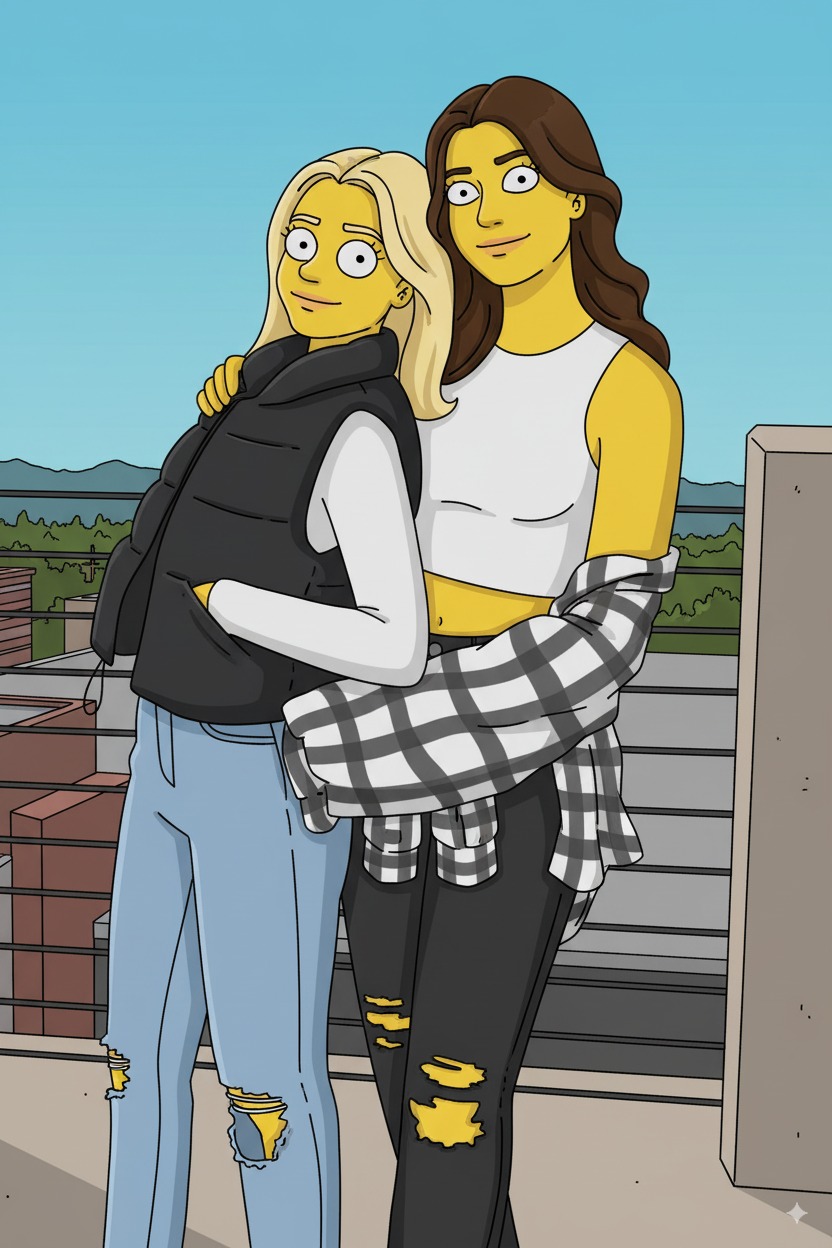
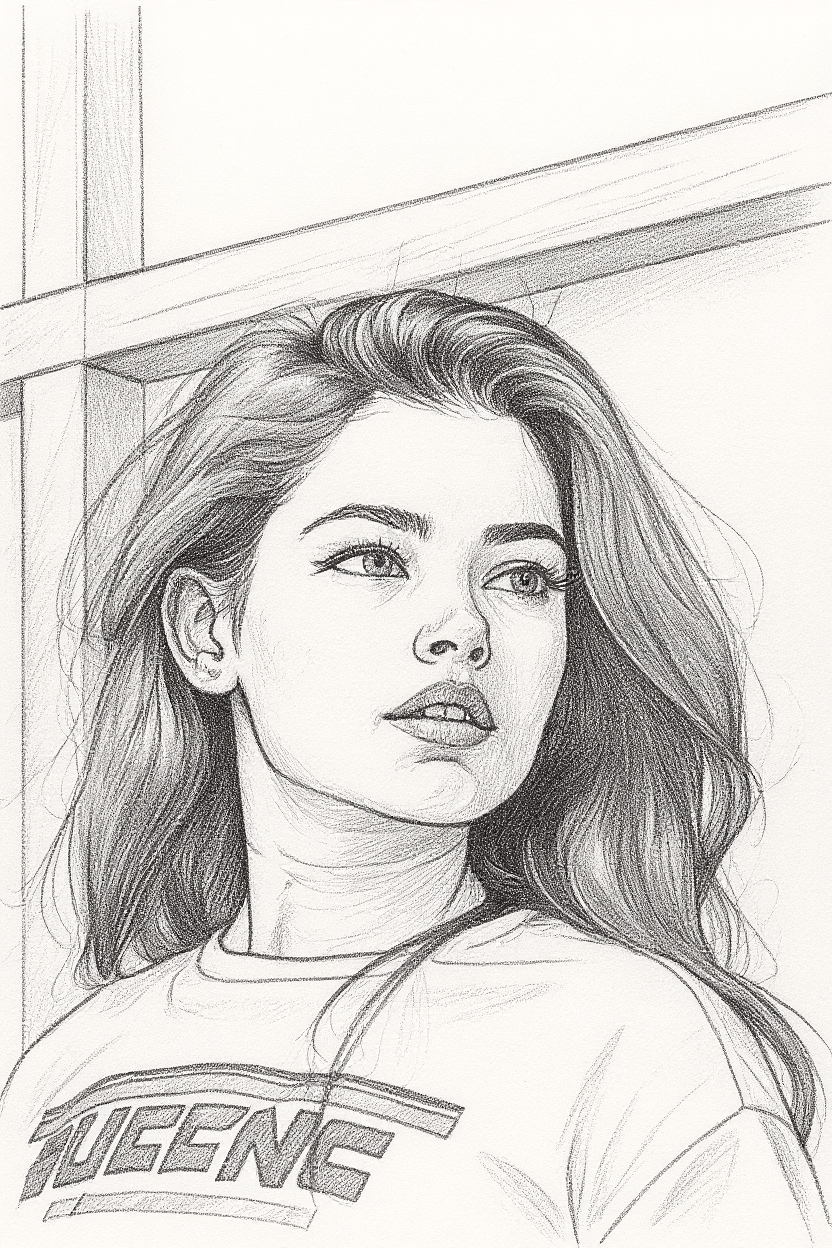
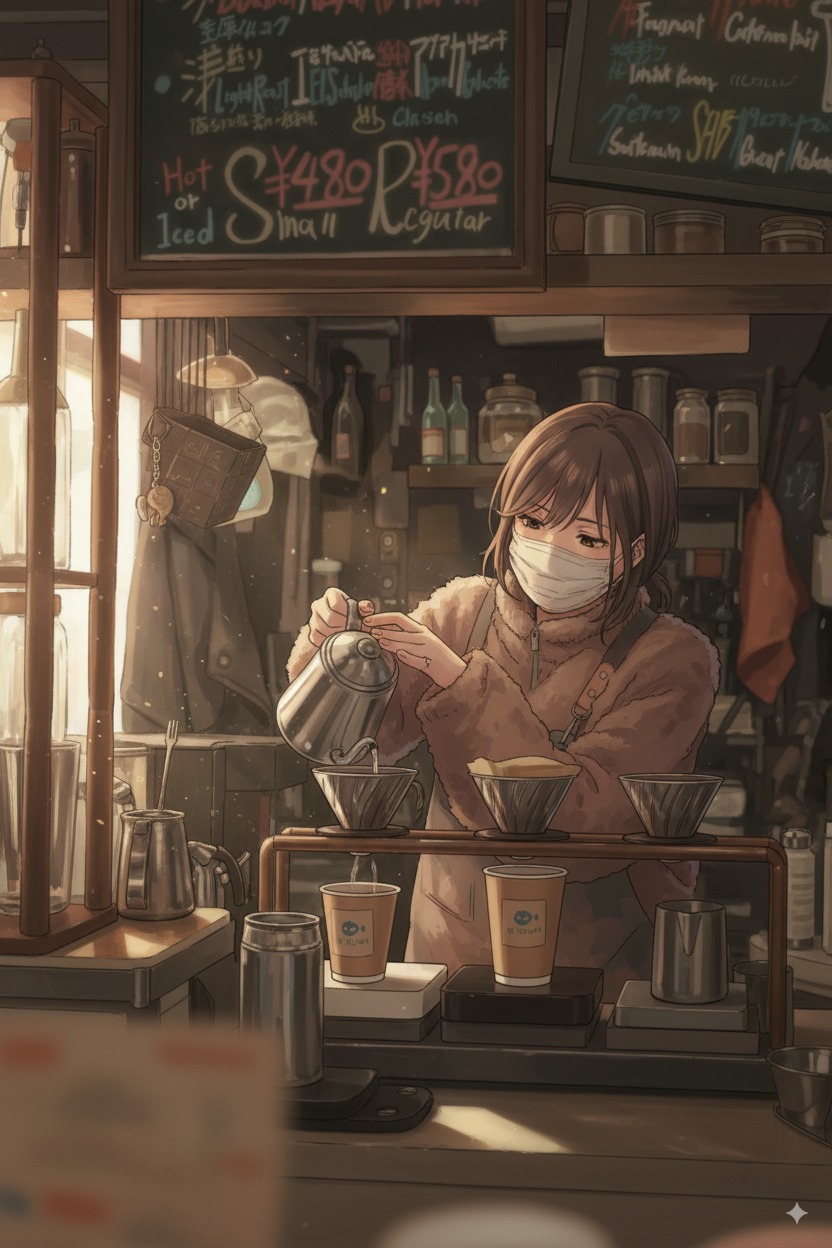
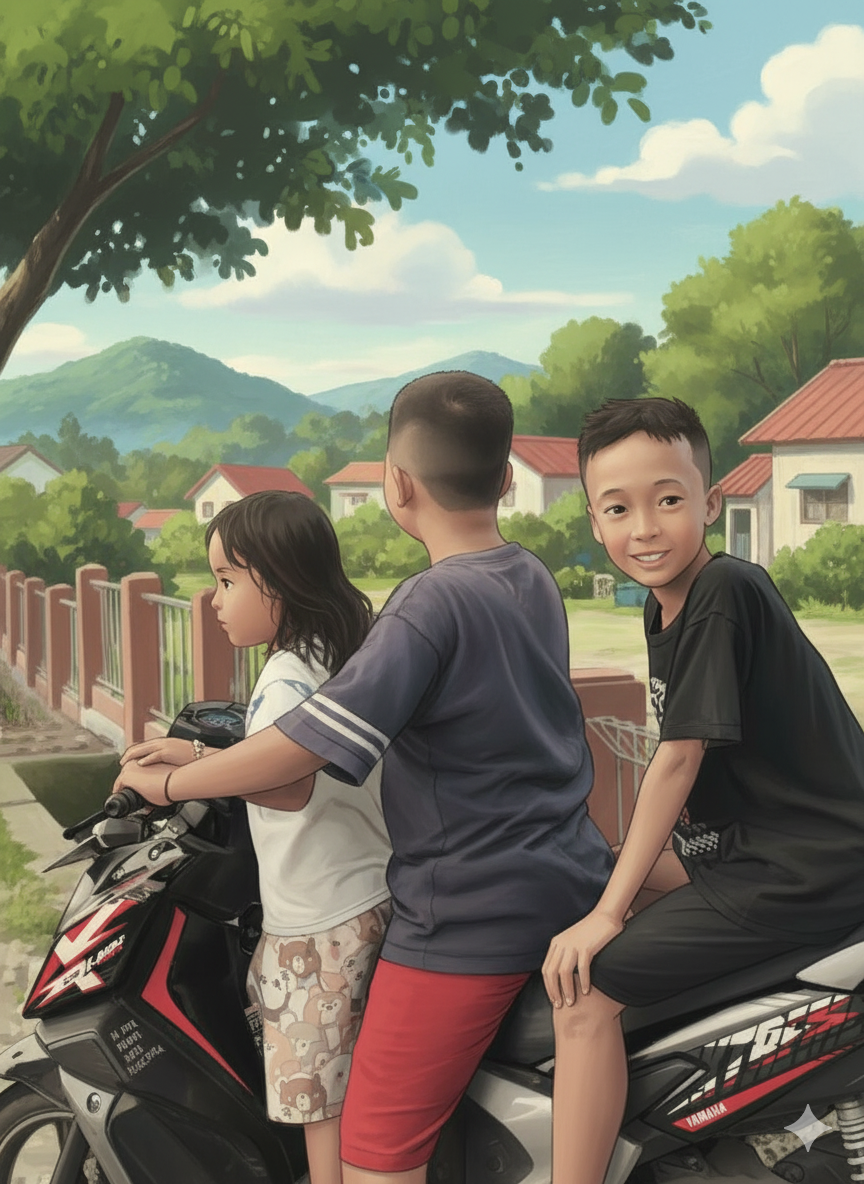
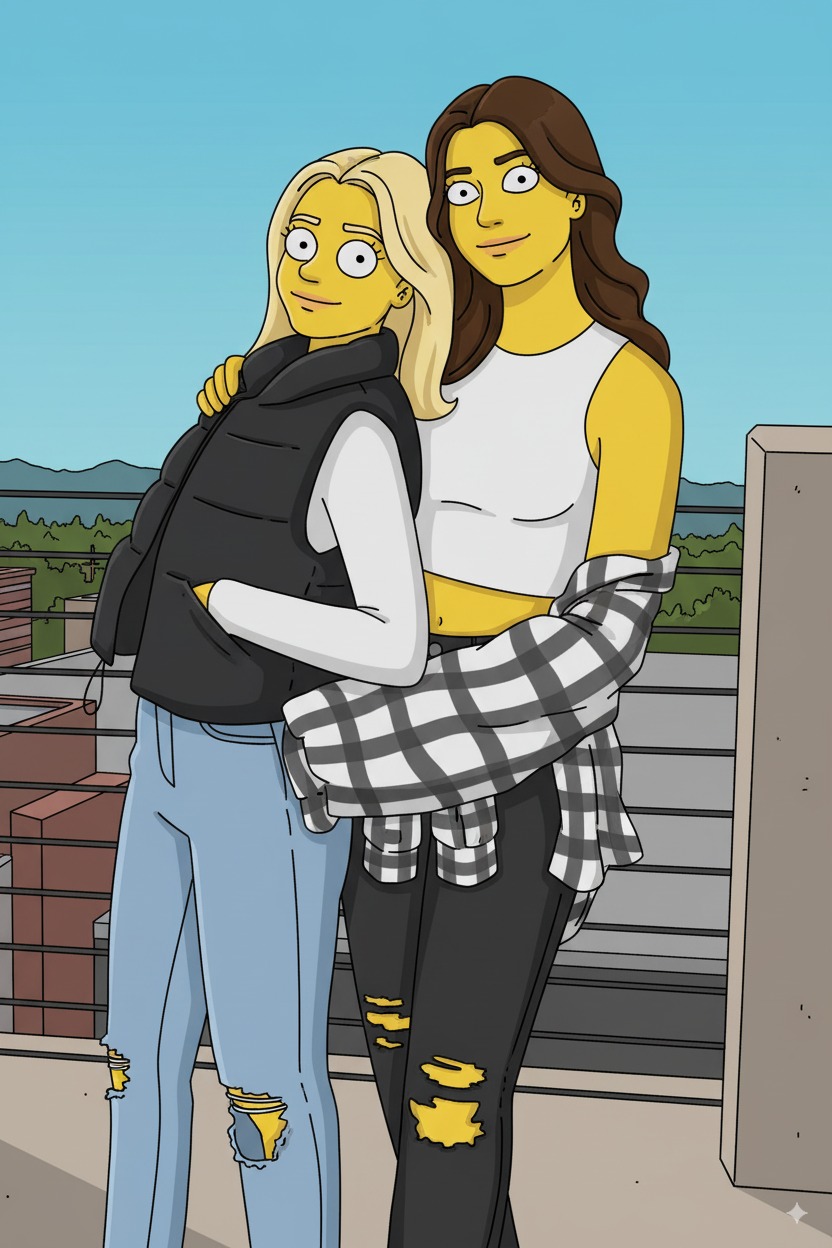
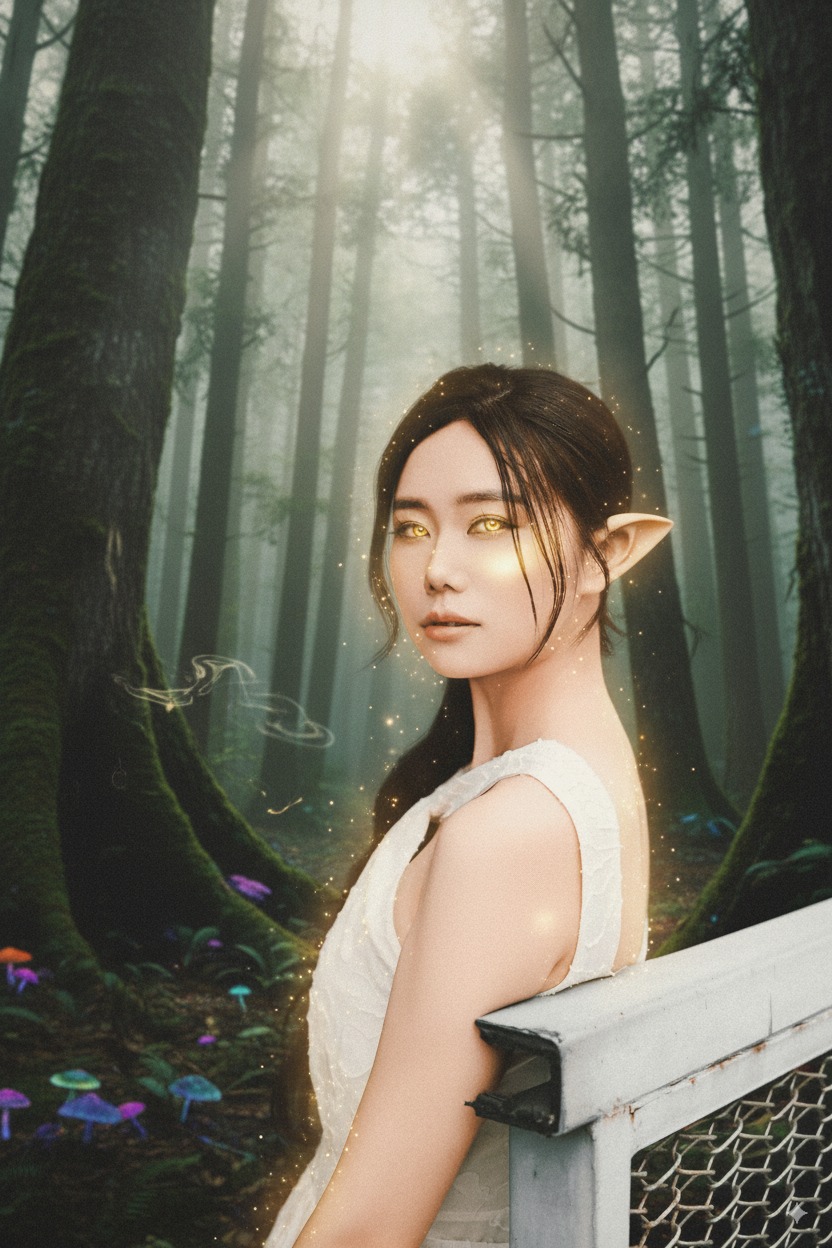
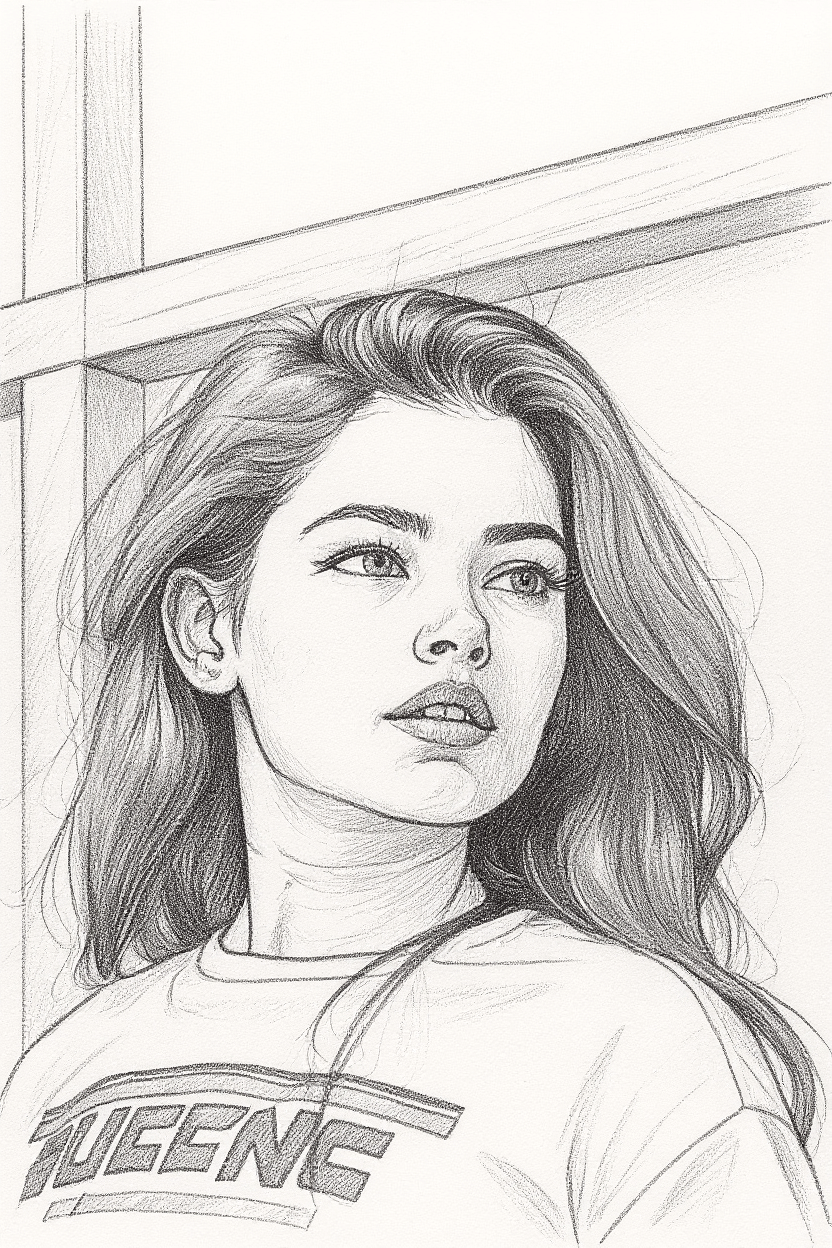
16 styles, from anime to pencil sketch











Credits that never expire.
No use-it-or-lose-it each month. The credits you buy are yours until you use them, next week or next year.
Pack credits never expire
Buy once and create whenever you like.
Plan credits roll over
A quiet month isn't wasted: unused credits carry over, up to a month's worth.
3 free credits to start
Every new account gets 3 free credits, and your first photo restoration is free.
Simple pricing
One balance for images, restoration and video.
Pay once. No subscription, and pack credits never expire.
Plus
$10
60 credits · save 17%
Most popularEnough for
- 60 images
- or 12 Veo videos
- or 6 Seedance clips
Creator
$25
175 credits · save 29%
Enough for
- 175 images
- or 35 Veo videos
- or 17 Seedance clips
Studio
$50
400 credits · save 38%
Best valueEnough for
- 400 images
- or 80 Veo videos
- or 40 Seedance clips
Basic
$9/month
75 credits a month · save 40%
Enough each month for
- 75 images
- or 15 Veo videos
- or 7 Seedance clips
- Unused credits roll over
Pro
$25/month
250 credits a month · save 50%
Most popularEnough each month for
- 250 images
- or 50 Veo videos
- or 25 Seedance clips
- Unused credits roll over
Ultimate
$45/month
500 credits a month · save 55%
Best valueEnough each month for
- 500 images
- or 100 Veo videos
- or 50 Seedance clips
- Unused credits roll over
- Early access to new features
Everything you need to create.
The latest models, with the controls that matter.
Powered by
The latest image and video models
Included
What you get with every account
What you can make
9 tools, one account.
Pet tattoo designs
Turn a photo of your dog or cat into a tattoo design: fine line, outline, black and grey and more.
Tattoo stencils, free
Turn any design, drawing or photo into a printable tattoo stencil. No sign-up needed.
Restore old photos
Fix scratches, fading and tears, sharpen faces and colorize. First photo free.
Photo reels with music
Turn your photos and clips into a short video with titles, captions and music, ready to share.
AI images
Generate from a text prompt or transform your photo, then refine it with follow-up edits.
16 art styles
Anime, 3D animation, Japanese film studio, pixel art, pencil sketch and more, in one click.
Consistent characters
Upload up to 8 photos and keep the same face in every new image.
Veo 3.1 video
8-second clips up to 4K with sound, from text, photos or references.
Seedance 2.5 video
Clips up to 30 seconds with sound, references and six aspect ratios.
Learn and explore
Get better results, faster
Frequently asked questions
What is imager.ink?
A simple way to restore old photos and turn them into a video with music to share with family. Upload a scratched, torn or faded photo and we repair it (and add colour if you like); then make a short reel from your photos with titles, captions and music. You can also make AI images and video clips.
What is a reel, and what does it cost?
A short video (15 to 60 seconds) made from up to 12 of your photos and clips. You say what it's about in one line; Imager puts the photos in order, writes the titles and captions and picks the music. Planning a reel costs 4 credits; changing the words, order, style or music and making the video are free.
Can I add music to a reel?
Yes. Pick from 16 free tracks (calm piano, warm ukulele, upbeat, cinematic and more), all free to share anywhere, or upload your own song if you have the rights to use it. You can also keep the sound of your video clips.
How do credits work?
Every image and video costs credits: a standard image is 1 credit, the Pro model and higher resolutions cost a little more, and video depends on the model, resolution and length. Buy a credit pack once, or choose a monthly plan for a lower price per credit. If you have both, your plan credits are used first.
Do my credits expire?
Credits from packs never expire, so you can buy once and come back whenever you like. Monthly plan credits renew each month, and any you don't use roll over to the next month, up to one month's worth.
Is anything free?
Yes. Every new account gets 3 free credits (enough for 3 standard images), and your first photo restoration is free. After that, credit packs start at $5 for 25 credits.
Which AI models do you use?
Images are made with Nano Banana 2.1 (fast and affordable) or Nano Banana Pro (finest detail). Video uses Google Veo 3.1 for 8-second clips up to 4K, and Seedance for clips up to 30 seconds, both with AI-generated audio.
Can I change an image after it is generated?
Yes. Type a change, like "make the jacket red", and get a new version, up to 5 times per image.
Can I use what I make commercially?
You get rights to the outputs for personal and most commercial uses, as long as you respect applicable laws and third-party rights. See the guide for details.
Do I need a Google account?
No. Sign in with Google, or with any email address: we email you a sign-in link to tap, with no password to remember. Your photos and settings are kept while you sign in, so nothing is lost.
Got an old photo?
Start with 3 free credits. Pack credits never expire.